Installing SakuraOS
The installer asks a few questions, shows you a summary, and only then changes your disk. This page goes through every screen. Answering the questions takes a few minutes, and installing a few more.
Start from the USB stick first; see Making a USB. Installing beside Windows? Read Dual boot with Windows before you begin.
Welcome
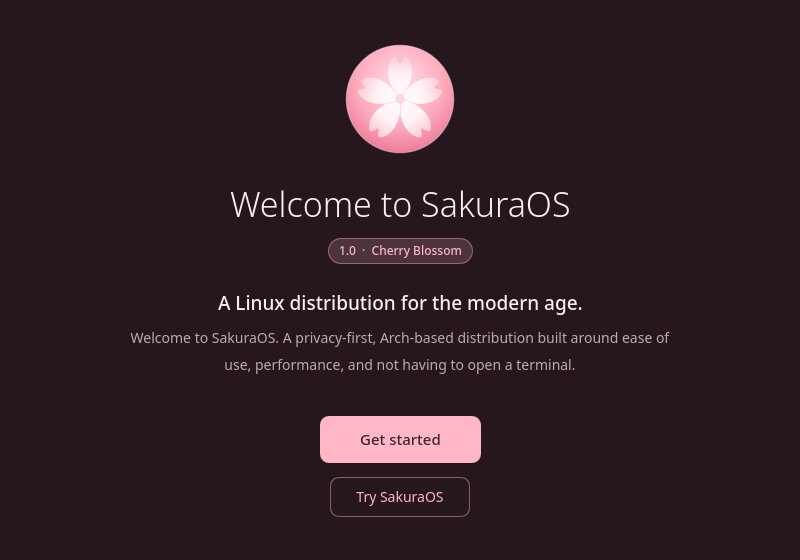
Get started begins the installer. Try SakuraOS closes it and leaves you on a live desktop, where you can look around without changing anything. Nothing you do there is kept. To install afterwards, open Install SakuraOS from the application menu.
If the computer started the USB stick in legacy BIOS mode, the welcome screen says so in place of Get started. See Firmware.
Two short screens follow: what SakuraOS does differently, and the projects it is built on. Then the setup itself begins, with the steps listed down the left side.
Language
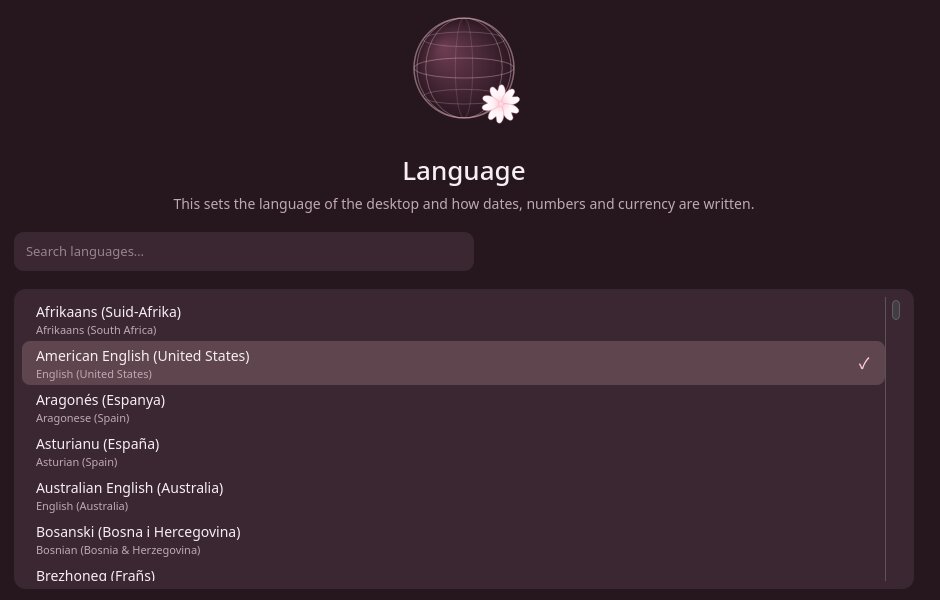
The language of the desktop, and how dates, numbers and currency are written. Type in the search box to find yours.
Keyboard
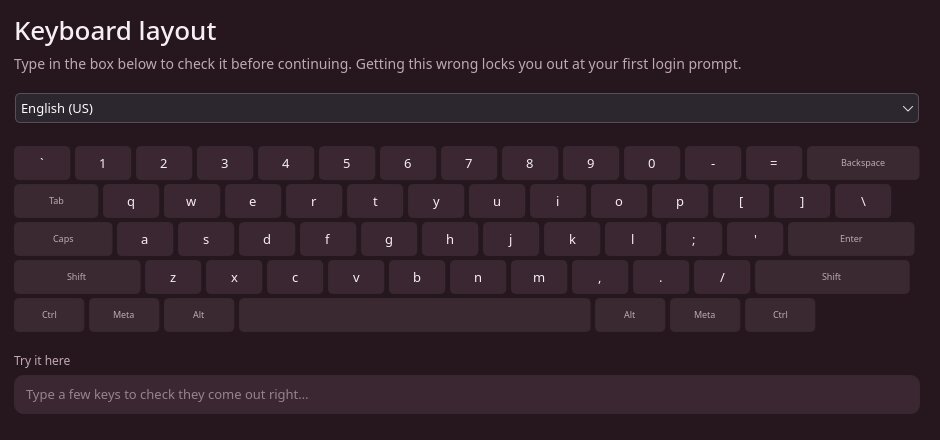
Pick your keyboard layout, then type a few characters in the box to check them. This matters: your password is typed with this layout, so the wrong one can lock you out at your first login.
Network
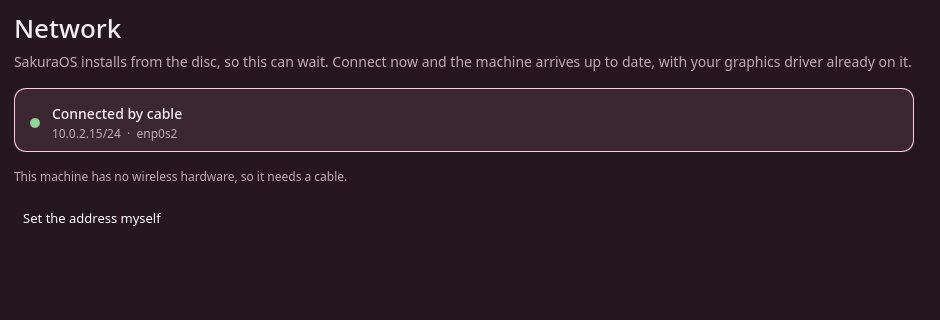
Optional. SakuraOS installs from the USB stick, so you can skip this step and connect later. Connecting now means the system is fully up to date when it first starts. If you have an NVIDIA graphics card from the GTX 900 or 1000 series, connect here: its driver is downloaded during the install. See NVIDIA.
Wired connections connect by themselves. For Wi-Fi, pick your network and enter its password. Set the address myself is only needed on networks that do not hand out addresses automatically.
Time
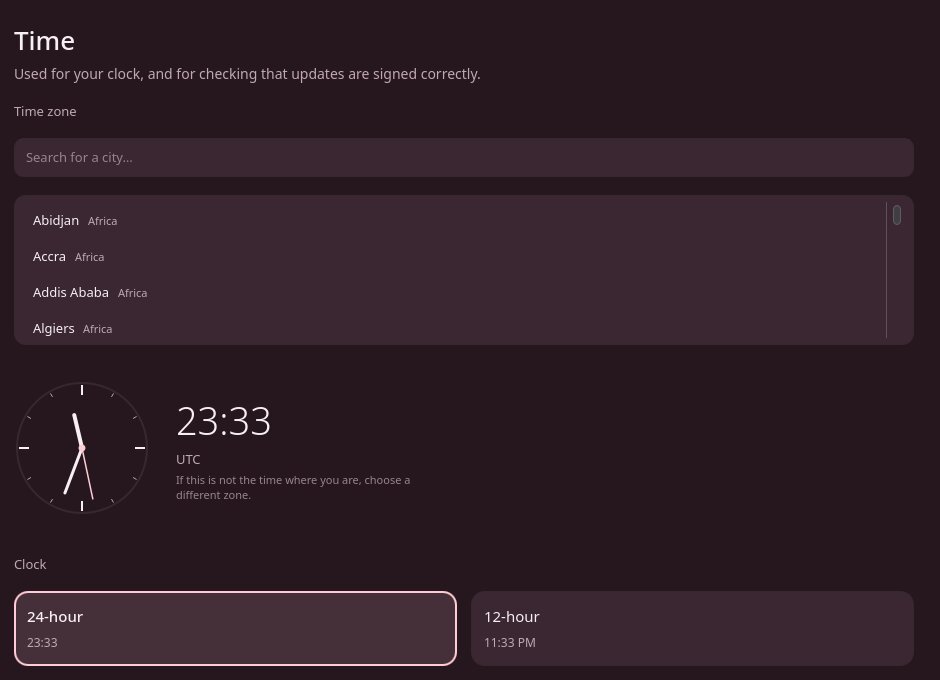
Search for your city to set the time zone, and choose a 24-hour or 12-hour clock. The clock choice follows your time zone until you change it. It sets the clock in the panel; dates are written the way your language writes them.
Appearance
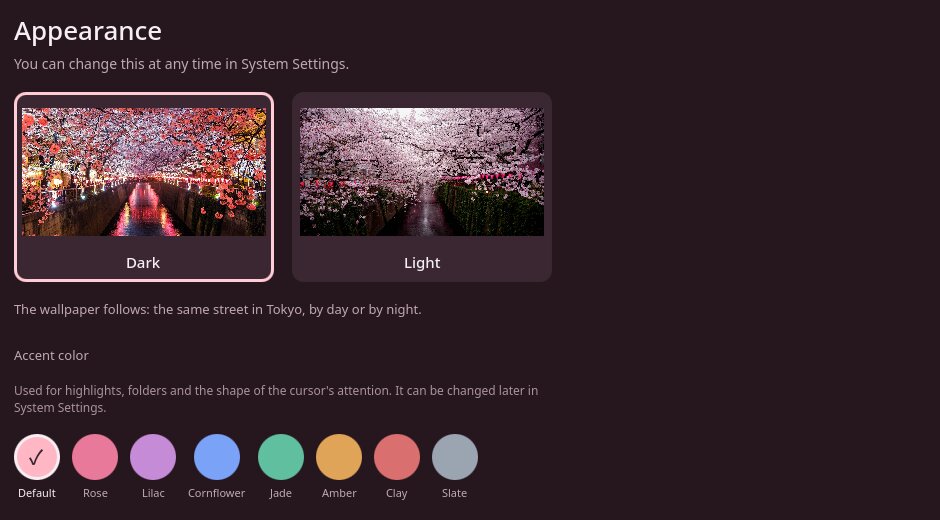
Dark or light, and an accent color. You can change both later in System Settings.
Disk
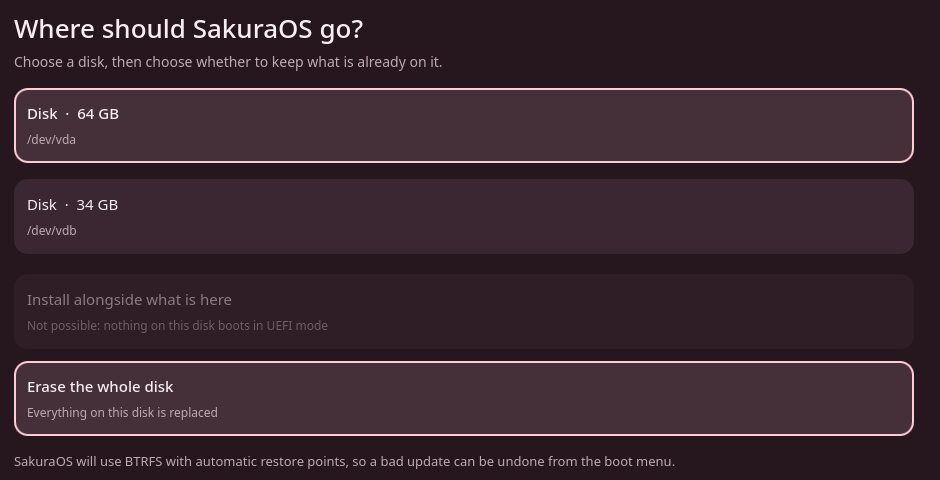
Choose a disk, then what to do with it:
- Erase the whole disk. Everything on that disk is replaced by SakuraOS. Other disks in the computer are not touched.
- Install alongside what is here. Keeps an existing system, such as Windows, and installs SakuraOS into unused space on the same disk. It needs at least 25 GB of unallocated space and an existing system that starts in UEFI mode; the screen says why when it is not possible. See Dual boot with Windows.
Nothing is written yet. That happens only after the summary.
Encryption
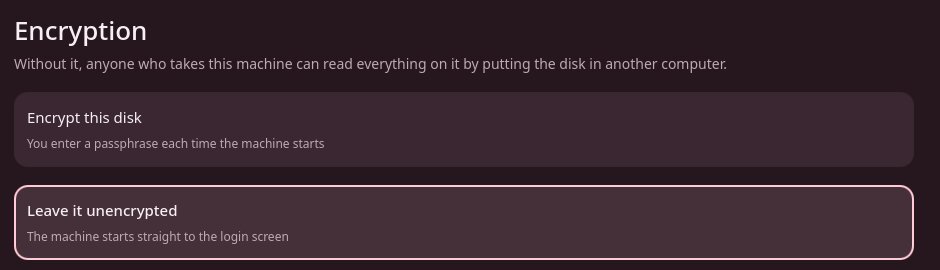
Encryption protects your files if the computer is lost or stolen. With it on, you type a passphrase every time the computer starts.
There is no way to recover a forgotten passphrase. Without it, the files on the disk cannot be read by anyone, including you. Write it down somewhere safe.
Account
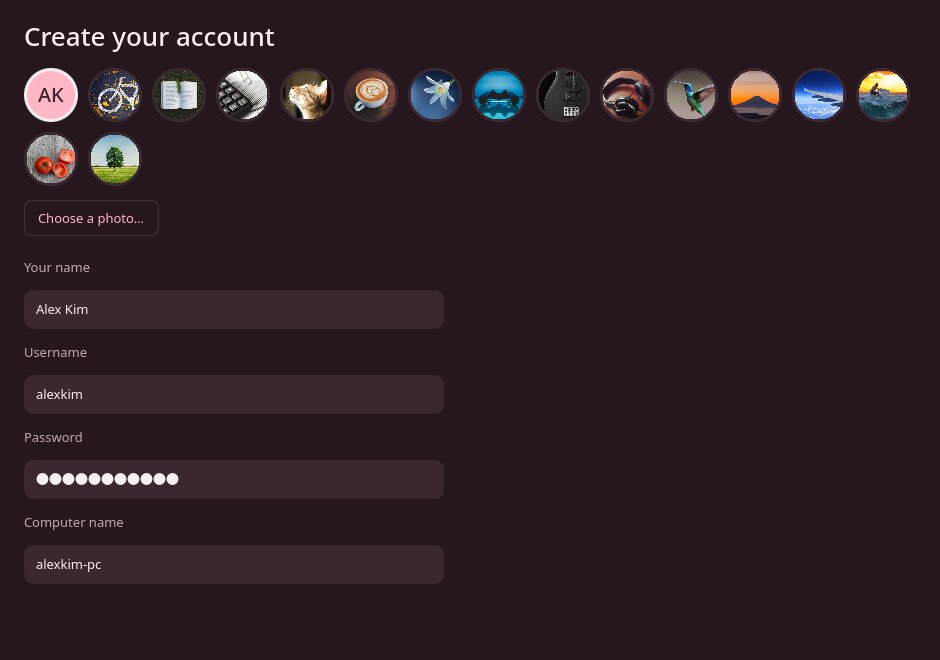
Choose a picture, then type your name. Your username fills in from it; you
can change it. A username starts with a letter and uses only lowercase
letters, digits, - and _; the screen says so if one
does not. The password must be at least 4 characters. Your account can make
administrator changes, such as installing software, after typing this
password.
The computer name is how other devices on your network see this computer. It
fills in from your username, as yourname-laptop or
yourname-pc, and you can change it. To change it later, open a
terminal and run sudo hostnamectl hostname new-name.
Browser
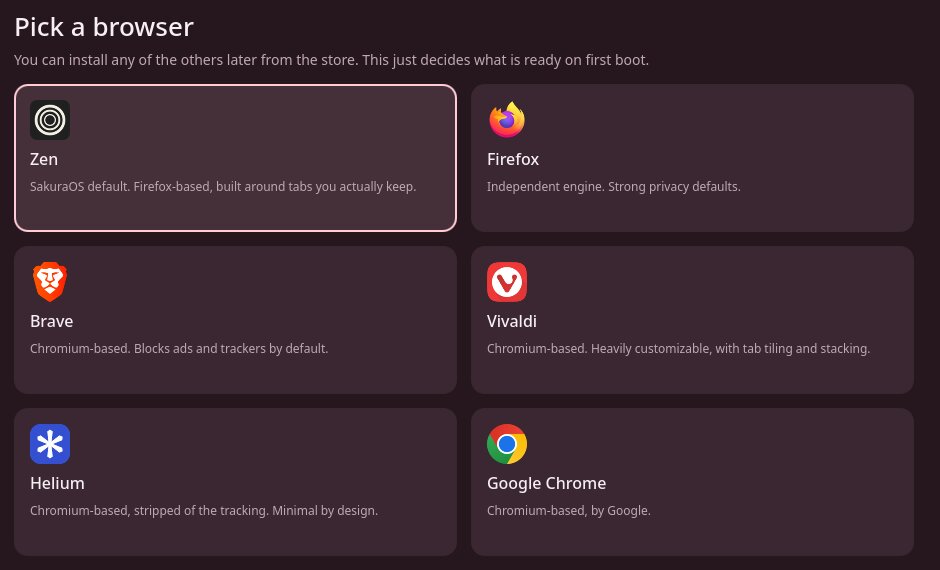
The browser that is ready when you first start. Zen is on the USB stick; the others are downloaded during the install. If you install without an internet connection and pick a browser other than Zen, you get Zen, and can install your choice later from the App Store. You can install any of them later.
Updates
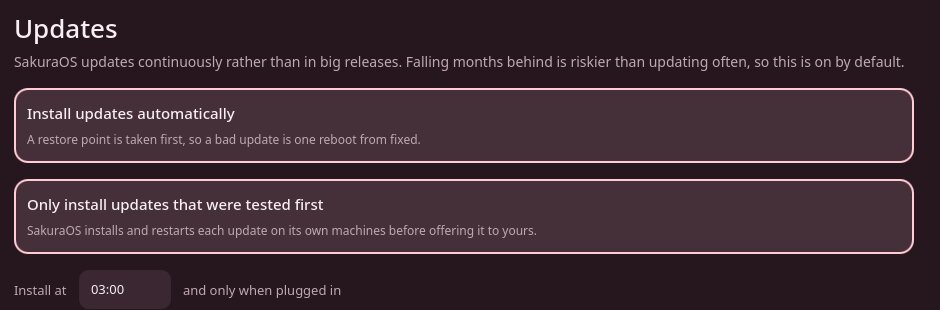
Both options are on by default, and we recommend leaving them on. Install updates automatically installs updates at the time shown, only when plugged in, after taking a restore point. Only install updates that were tested first waits until each update has been installed and restarted on a SakuraOS test machine. See Updates.
Sakura and Privacy
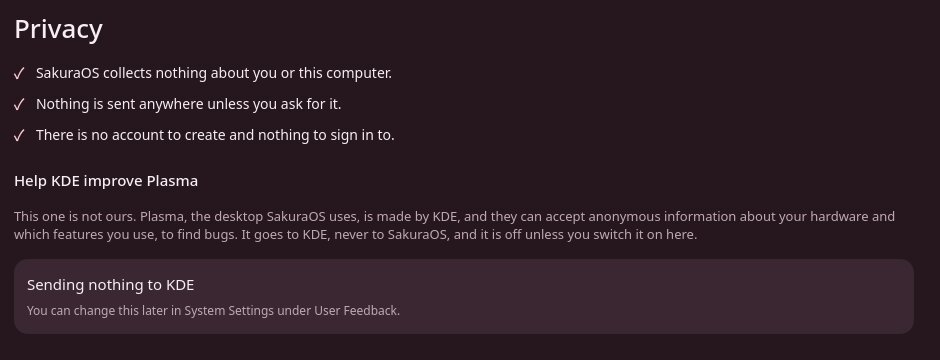
The Sakura screen explains Terminal Assist, restore points and the AUR; there is nothing to choose there. The Privacy screen has one choice: whether to send anonymous usage information to KDE, which makes the Plasma desktop. It is off unless you turn it on. SakuraOS itself collects nothing. See Privacy.
Summary
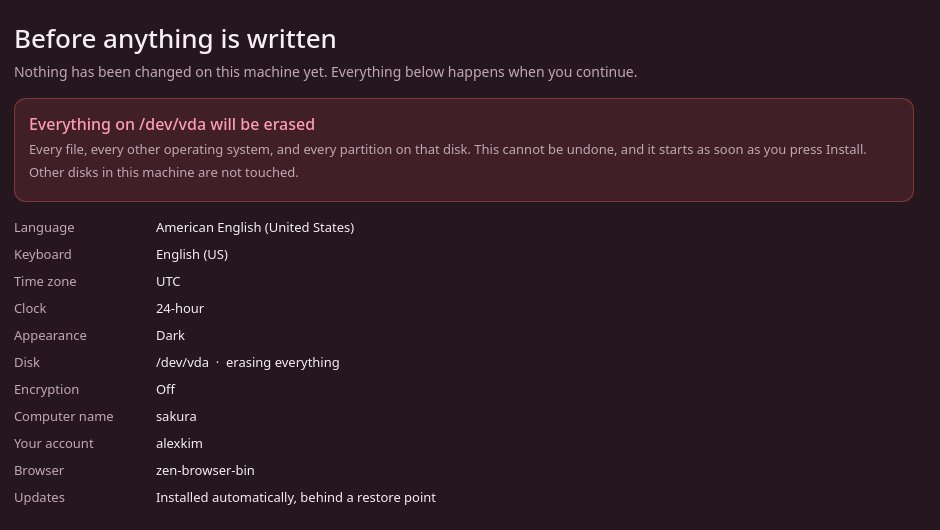
Every choice, and in red, exactly which disk will be erased. Check it carefully. Use Back to change anything; your answers are kept. When you press Install SakuraOS, the install starts and cannot be undone.
Install
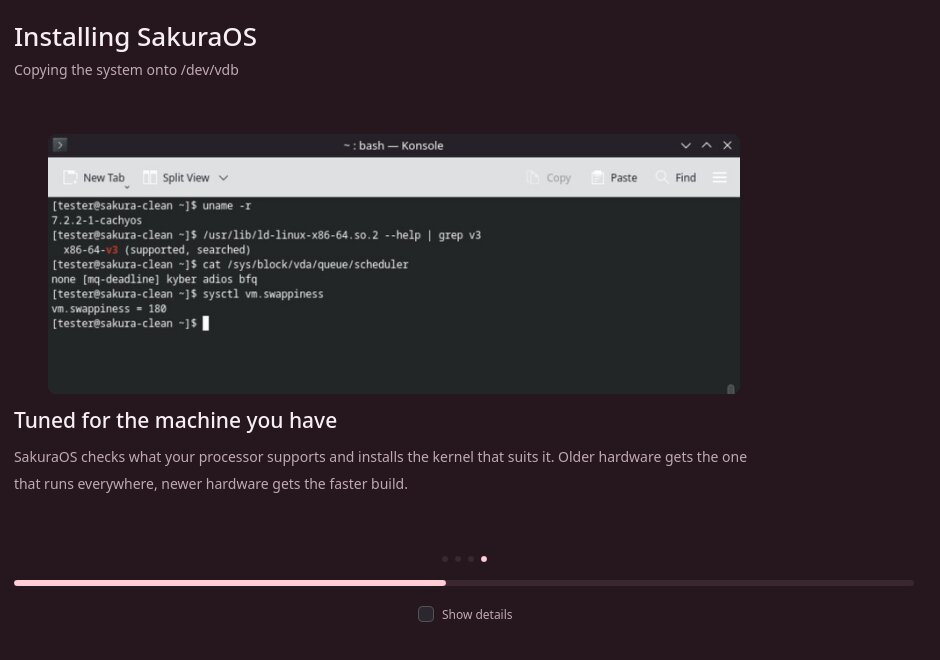
This usually takes a few minutes; longer if you connected to the internet and there are updates to download. Tick Show details to see exactly what is happening.
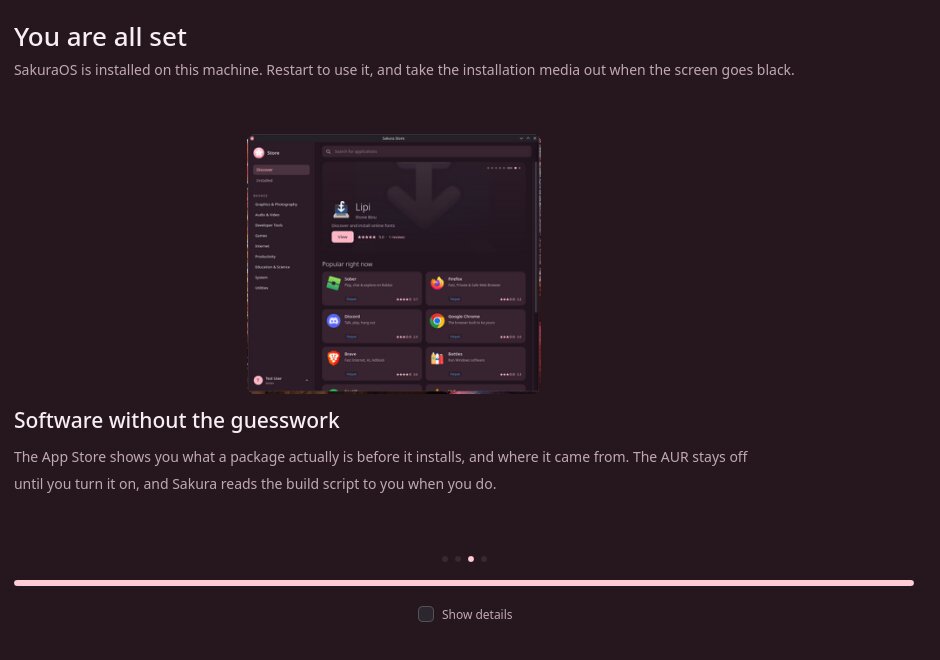
When it says You are all set, press Restart now and remove the USB stick when the screen goes black. Then see After installing.
Secure Boot
Secure Boot is a firmware feature that only starts software signed by keys the firmware trusts. You do not need it to use SakuraOS. If you want it, SakuraOS can set it up with its own keys during the install:
Open the firmware settings (see If the USB stick will not start).
Find the Secure Boot keys, and choose the option to clear or reset them. Firmware names this differently: Reset to Setup Mode, Clear Secure Boot Keys or Delete All Secure Boot Variables. This puts the firmware into Setup Mode, in which the USB stick can start.
Install SakuraOS as normal. The installer creates its own keys, adds them to the firmware together with Microsoft's keys, and signs SakuraOS's boot files.
After the install, open the firmware settings again and make sure Secure Boot is set to Enabled.
Microsoft's keys are added so that Windows, and hardware whose firmware is signed by Microsoft, such as many graphics cards, keep working. If the firmware is not in Setup Mode, the install finishes normally without Secure Boot. If the firmware does not accept the keys, the installer says so and finishes the install without Secure Boot; nothing else about the install changes.
If Windows uses BitLocker, resetting the keys makes Windows ask for its recovery key on the next start. Have the key ready. See BitLocker.
This has been tested in virtual machines, including firmware that keeps its maker's keys when it is reset, as many computers do. Firmware on real computers varies; if it does not work on yours, please tell us which computer it is.
Last checked against the SakuraOS release of 3 October 2026. If your system behaves differently from this page, the page is wrong: please report it.